
- Developer
- Snap Inc
- Installs
- 1B+
- Downloads
- 0
- Views
- 1
- Updated
- Nov 6, 2026
Screenshots
About Snapchat
Snapchat Complete Guide: Snaps, Streaks, Snap Map, Memories and Privacy Settings Explained
Snapchat is a fast and fun way to share the moment with your friends and family. It opens straight to the camera, it is built around photos and short videos that disappear by default, and it has grown well beyond messaging into Stories, Spotlight, a location map and a set of friendship features that no other app quite replicates.
That growth is also why the app confuses newcomers. Snapchat is not a single feature — it is a stack of separate systems (Camera, Chat, Stories, Spotlight, Map, Memories, Friendship Profiles) that all behave differently, with privacy rules that vary by feature. Most people who "don't get" Snapchat are simply using the wrong entry point.
This guide explains what each part of the app actually does, how the privacy model works feature by feature, what streaks and Charms are, how Snapchat+ fits in, and which settings are worth changing on day one. It is written for new users and for people who installed the app, used the camera for a week and then never opened the rest of it.
Snapchat at a Glance
| Feature | Details |
|---|---|
| Type | Camera-first messaging app built around ephemeral Snaps and Stories |
| Developer | Snap Inc. |
| Opens to | The Camera — tap for a photo, press and hold for video |
| Core features | Snaps, Chat, Stories, Spotlight, Snap Map, Memories, Friendship Profiles |
| Video chat | Up to 16 friends at once, with Lenses and Filters |
| Default message behaviour | Snaps and Chats disappear after viewing unless saved |
| Location sharing | Optional, with Ghost Mode to disable entirely |
| Paid tier | Snapchat+ subscription (optional) |
| Minimum age | 13 (higher in some regions) |
| Platforms | iOS and Android |
The Camera Is the Whole Idea
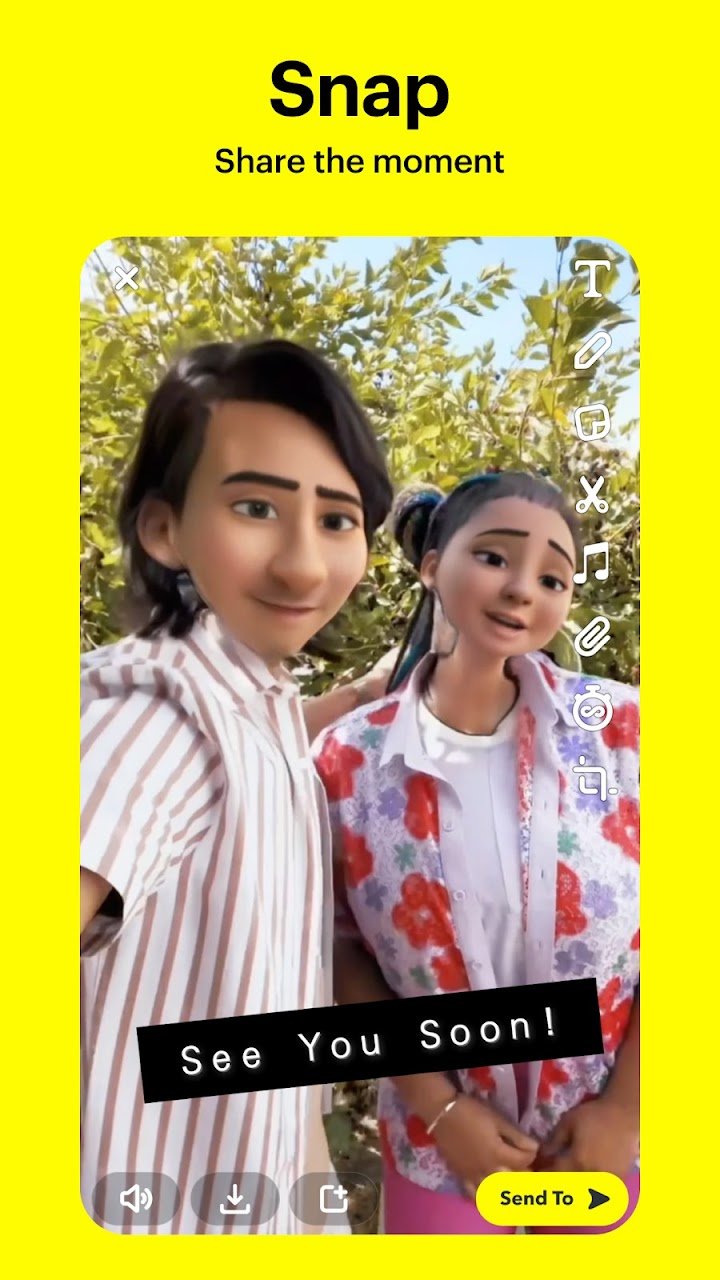
Snapchat does not open to a feed or a home screen. It opens to the camera, and that single design decision explains most of how the app works. You tap to take a photo, or press and hold for video. Once you have captured something, you decide whether to send it to one person, add it to your Story, save it to Memories, or post it to Spotlight.
This is the opposite of most social apps, where you browse first and create second. Snapchat assumes you opened it to capture something. If you opened it to read messages, the Chat screen is a swipe away — a detail many new users miss.
Lenses, Filters and Bitmoji
| Feature | What It Does |
|---|---|
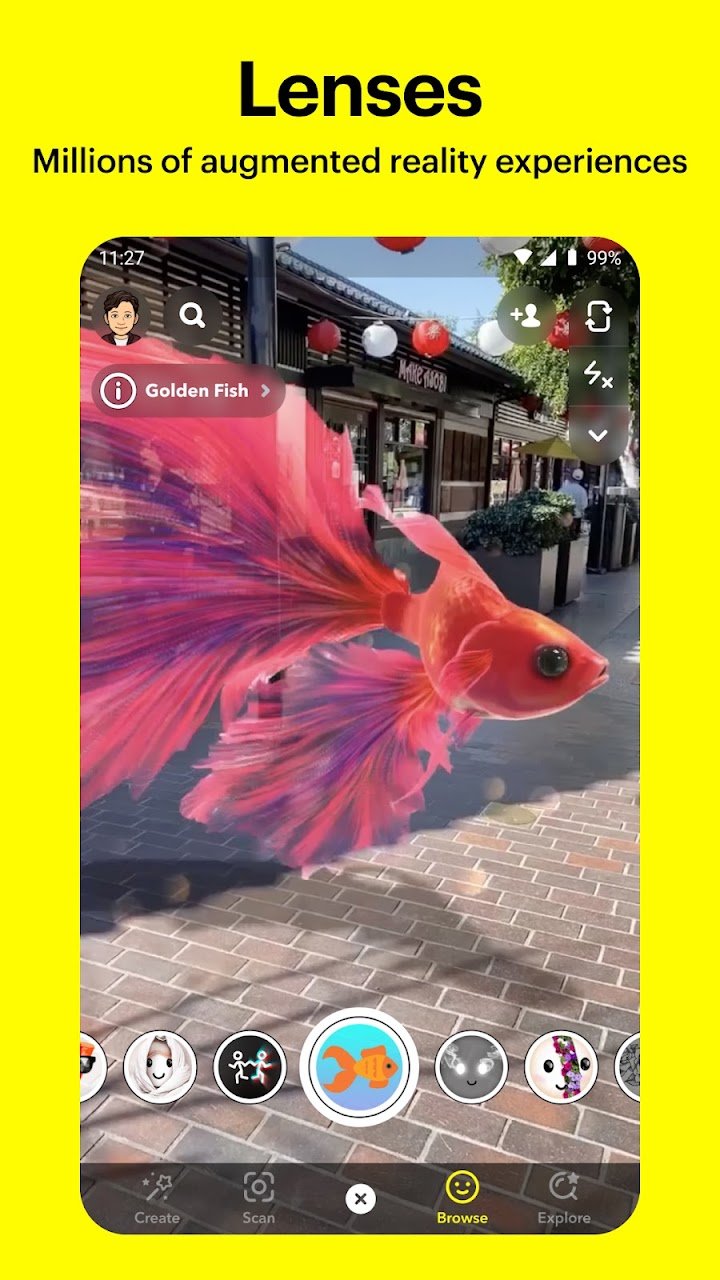
| Lenses | Augmented reality effects that change your face, the scene, or both |
| Filters | Overlays, colour treatments and location or time tags |
| Bitmoji | Your personal cartoon avatar, usable in Snaps, Chat and Friendmojis |
| Friendmoji | Exclusive Bitmoji created specifically for you and one friend together |
New Lenses are created daily by the Snapchat community, which is why the Lens carousel changes constantly. If a Lens you liked has vanished, it was likely a temporary community submission rather than a permanent built-in effect.
Practical tip: Lens performance depends heavily on the phone's camera and processor. On older devices, disabling heavier AR Lenses or turning off some camera features can noticeably reduce lag and battery drain.
Chat, Video Chat and Group Stories
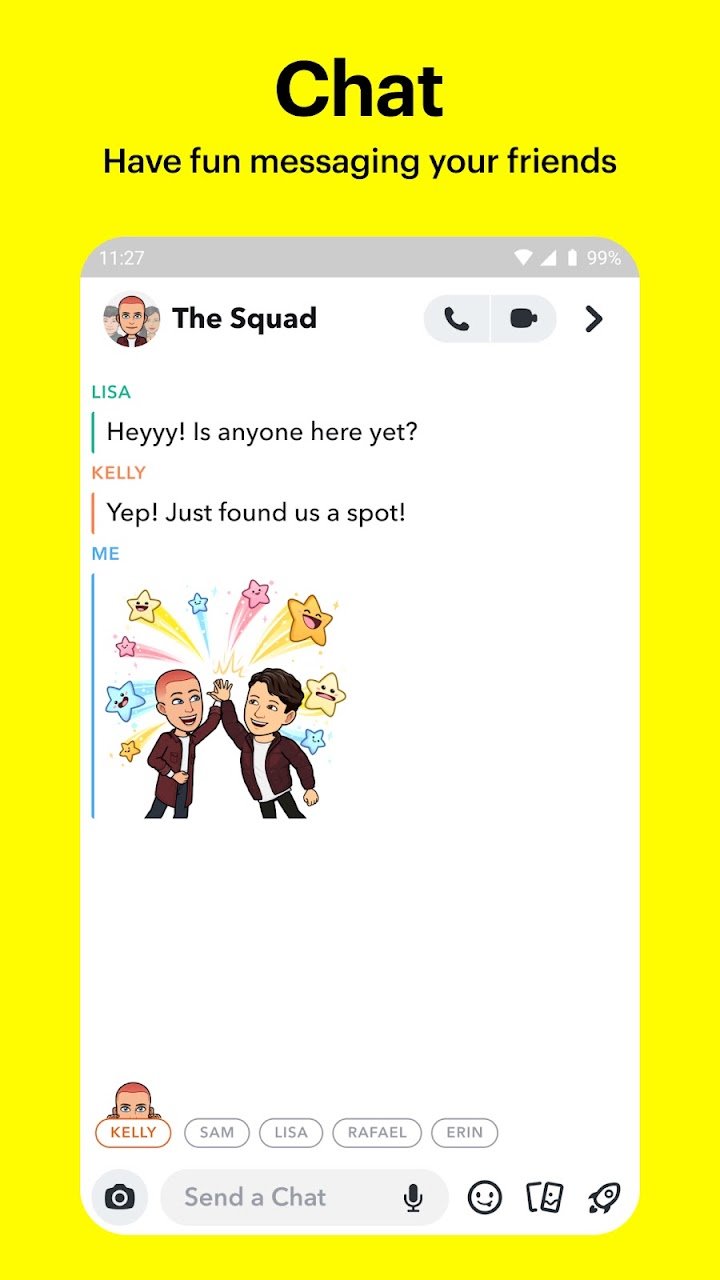
Snapchat's Chat is a full messaging system, not just a caption field. You can send text, photos, voice notes, stickers, Bitmoji and Snaps inside a conversation, and you can share your day with Group Stories.
What Makes Snapchat Chat Different
- Messages disappear by default. Chat text clears after both people have viewed it and the conversation ends, though either person can save messages.
- Screenshots are detectable. The app notifies the other person when a Snap or Chat is screenshotted.
- Snaps are not the same as Chats. A Snap is a photo or video, a Chat is text. They behave differently and have different privacy implications.
- Group chats and Group Stories are separate. A group chat is private conversation; a Group Story is shared content visible to the group.
Video Chat
You can video chat with up to 16 friends at once, and you can use Lenses and Filters while chatting. In practice this is one of the more distinctive features of the app — a group video call with AR effects is a very different experience from a standard video call, and it works well for casual socialising rather than meetings.
Connection advice: group video chat is bandwidth-heavy. On mobile data, a call with several participants will use a significant amount, and quality will drop on weak connections. Wi-Fi is strongly preferable for anything above a one-to-one call.
Stories: Friends, Community and Shows
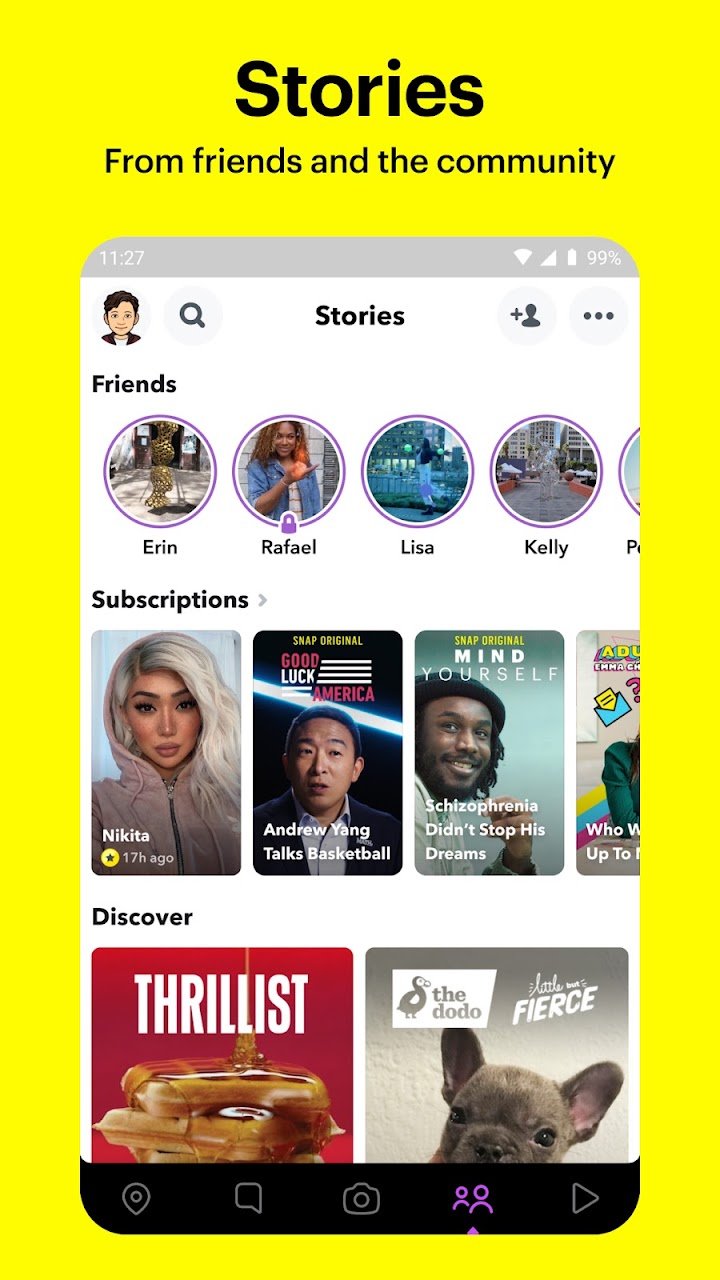
Stories are chronological collections of Snaps that friends can watch for 24 hours. They are the closest thing Snapchat has to a traditional feed, but they behave differently in two important ways: they expire, and they are shared deliberately rather than broadcast by default.
| Story Type | Who Sees It | Typical Use |
|---|---|---|
| My Story | Your friends, or a custom audience you select | Sharing your day with people you know |
| Group Story | Members of a specific group chat | Shared moments within a friend group |
| Community Stories | Public, based on your interests | Discovering content from people you do not know |
| Discover / Shows | Public | Breaking news and exclusive Original Shows |
The distinction matters. Adding something to My Story shares it with your friends. Posting to Spotlight or submitting to community Stories makes it public. These are different audiences and different privacy consequences, and the app does not always make the difference obvious in the moment.
Spotlight: Snapchat's Public Feed
Spotlight showcases the best of Snapchat. It is a public, algorithmically ranked feed of Snaps from across the community. You can submit your own Snaps, or sit back and watch, and you can pick your favourites to share with friends.
What to understand before you post:
- Spotlight is public. Content posted there can be seen by anyone using the app, not just your friends.
- Your profile may be linked. Depending on settings, viewers can find your profile from a Spotlight post.
- Content persists differently. Spotlight content is not treated the same as a Snap sent to a friend, and removing it does not guarantee it has not been viewed or shared.
Spotlight is genuinely enjoyable as a viewer and genuinely risky as a careless poster. The two activities need different levels of caution.
Snap Map and Ghost Mode
Snap Map shows where your friends are, but only when they choose to share their location with you. The default position is not fully public — sharing is controlled per friend, and the app includes Ghost Mode for turning location sharing off entirely.
| Setting | What It Means |
|---|---|
| Ghost Mode | Your location is not shared with anyone on the map |
| Friends only | Only your added friends can see your location |
| Selected friends | Only specific people you choose can see your location |
| Community Stories on the map | Public Snaps tied to a location — separate from your personal location sharing |
The most important privacy advice in this guide: if you are not certain who can see your location, open Snap Map, check the current setting, and turn on Ghost Mode until you are. Location sharing is the feature with the most real-world consequences and the one most often left on by accident after a single use.
You can also explore live Stories from the community nearby or across the world, which is a separate feature from your personal location and does not require you to share where you are.
Memories: Your Saved Content
Memories saves photos and videos of your favourite moments so you can revisit them, edit them, send them to friends, or save them to your Camera Roll. You can also create Stories from your favourite Memories to share with friends and family.
Two practical points that are often misunderstood:
- Memories storage policies change. Snapchat has adjusted free storage limits and introduced paid storage options in the past. If storage capacity matters to you, check your current allowance in the app rather than relying on descriptions in older articles.
- Memories are not automatically backed up to your phone. Saving to Camera Roll is a separate action. If a Memory is important, export it to your device or a cloud backup rather than assuming it is safe.
Tip for anyone with years of Memories: periodically export the ones you care about to your Camera Roll or a separate backup. It is the only reliable way to guarantee you keep them if you ever change accounts or devices.
Friendship Profiles and Charms
Every friendship on Snapchat has its own profile showing the moments you have saved together. Charms add context — how long you have been friends, astrological compatibility, Bitmoji fashion sense, and more. Friendship Profiles are visible only to you and that friend.
This is one of Snapchat's genuinely distinctive features. Most messaging apps treat a conversation as a thread of messages; Snapchat treats a friendship as something with its own record. Whether that feels meaningful or slightly excessive depends entirely on how you use the app.
Streaks
Streaks are one of the most discussed mechanics in Snapchat. A streak counts consecutive days on which two people have each sent a Snap to the other. Missing a day breaks the streak.
Streaks are motivating for some users and stressful for others, and the app has added streak-restoration features over time. If a streak is causing you to send low-effort Snaps purely to maintain a number, that is worth noticing — it is engagement mechanics working as designed, not a reflection of the friendship.
Privacy, Safety and the Screenshot Reality
Snapchat's central promise is that Snaps and Chats disappear. That promise is real but narrower than many users assume.
| What You Might Assume | What Is Actually True |
|---|---|
| "Nobody can keep my Snap" | Recipients can screenshot it, and Snapchat notifies you when they do |
| "A screenshot is the only way to save it" | People can photograph the screen with another device |
| "Chats are always permanent" | Chats clear by default but either person can save individual messages |
| "My location is private by default" | Location sharing is opt-in, but it is easy to enable accidentally and forget |
| "Deleting a Snap removes it everywhere" | If it was screenshotted, saved to Memories or posted publicly, copies may exist |
Snapchat is explicit about this in its own materials: Snapchatters can always capture or save your messages by taking a screenshot, using a camera, or otherwise, and you should be mindful of what you Snap. That is not a disclaimer to skim — it is the accurate description of the privacy model.
The practical rule: treat Snapchat as a low-friction sharing tool, not a secure one. Anything you would not want copied, forwarded or photographed should not be sent, regardless of the disappearing timer.
Settings Worth Changing on Day One
- Check Snap Map and turn on Ghost Mode until you have deliberately decided who should see your location.
- Review "Who Can Contact Me" — set it to Friends rather than Everyone.
- Review "Who Can View My Story" — Friends, Custom, or off entirely.
- Turn off Quick Add if you do not want to be suggested to people by phone number.
- Check "See Me in Quick Add" — disabling it reduces unsolicited adds.
- Decide your Spotlight default — know whether your profile is linked to public posts.
- Enable two-factor authentication for account security.
- Review connected apps and remove anything you no longer use.
Snapchat+ and Other Paid Features
Snapchat+ is an optional subscription that unlocks additional features, such as extra app customisation, advanced Snap Map options, and early access to some features. The core app — Snaps, Chat, Stories, Spotlight, Map, Memories and Friendship Profiles — does not require a subscription.
Should you subscribe? Snapchat+ is a personalisation and convenience tier, not a gate on essential functionality. If you use the app daily and care about customisation, it has value. If you are new, use the free version first — the subscription adds polish to features you may not use yet.
Who Should Use Snapchat?
Snapchat is a social app rather than a utility, and it fits specific habits better than others.
It is a strong fit if you:
- Prefer sharing moments visually rather than writing messages
- Have a close friend group you communicate with daily
- Enjoy camera features, Lenses and creative editing
- Like the idea of content that expires rather than accumulating
- Watch short-form public content and community Stories
It may not suit you if you:
- Want a permanent, searchable archive of conversations
- Dislike engagement mechanics like streaks
- Need encrypted, private messaging as a priority
- Rarely take photos or videos
- Are uncomfortable with location-based features, even when disabled
Parents should note the minimum age is 13, that Snap Map requires deliberate configuration, and that the disappearing-message model does not prevent screenshots. Family Centre tools exist in the app for guardians who want to review settings with a younger user.
Tips for New Snapchat Users
- Swipe, don't tap, to find Chat. The camera is the home screen; the rest of the app is one gesture away.
- Set Snap Map to Ghost Mode immediately and only enable sharing deliberately.
- Treat Snaps as non-private. Screenshots are detectable, but copies are not preventable.
- Export important Memories to your Camera Roll. Do not rely on the app as your only backup.
- Know the difference between My Story, Group Story and Spotlight. The audience is different in each case.
- Do not chase streaks. If a streak is the only reason you are sending Snaps, the mechanic is driving you rather than the friendship.
- Disable heavy Lenses on older phones to reduce lag and battery drain.
- Use Wi-Fi for group video chat. Multi-person calls consume mobile data quickly.
- Review Quick Add settings if you are receiving unwanted friend requests.
- Check storage limits in Memories before assuming your saved content is safe indefinitely.
Frequently Asked Questions
What is Snapchat?
Snapchat is a camera-first messaging app. It opens to the camera, lets you send photos and videos (Snaps) that disappear by default, and includes Chat, Stories, Spotlight, Snap Map, Memories and Friendship Profiles.
Is Snapchat free?
Yes. The core app is free, including Snaps, Chat, Stories, Spotlight, Snap Map, Memories and Friendship Profiles. Snapchat+ is an optional paid subscription for additional customisation and convenience features.
Do Snaps really disappear?
Snaps and Chats disappear by default after they are viewed, but recipients can screenshot them, and Snapchat will notify you when they do. People can also photograph the screen with another device, so disappearing messages are not a guarantee of privacy.
Can people tell if I screenshot their Snap?
Yes. Snapchat notifies the sender when a Snap or Chat is screenshotted.
How many people can join a video chat?
You can video chat with up to 16 friends at once, and you can use Lenses and Filters during the call.
What is Ghost Mode on Snap Map?
Ghost Mode disables location sharing entirely, so your location is not visible to anyone on Snap Map. You can also choose to share with all friends or selected friends only.
What are Snapchat streaks?
A streak counts consecutive days on which two people have each sent a Snap to the other. Missing a day breaks the streak. Streak restoration features have been added over time.
What are Friendship Profiles and Charms?
A Friendship Profile is a private page for a specific friendship showing moments you have saved together. Charms add context such as how long you have been friends, astrological compatibility and Bitmoji details. They are visible only to you and that friend.
Are my Memories safe?
Memories are stored in the app, and storage policies have changed over time. Saving important Memories to your Camera Roll or a separate backup is strongly recommended rather than relying on the app alone.
What is Spotlight?
Spotlight is a public feed of the best Snaps from the community. You can submit your own Snaps or watch others. Content posted to Spotlight is public, unlike a Snap sent to a friend.
What age do you need to be to use Snapchat?
The minimum age is 13, and it is higher in some regions. The app includes Family Centre tools for guardians.
Can I use Snapchat on a tablet?
The app is designed primarily for phones. It can run on tablets, but the interface and camera features are optimised for phone screens.
Is Snapchat private?
Snapchat offers privacy controls for each feature, including who can contact you, who can view your Story, and whether your location is shared. However, messages are not end-to-end encrypted, and screenshots cannot be prevented. Review your settings deliberately rather than assuming default privacy.
How do I stop someone from seeing my location?
Open Snap Map, check the current location setting, and either enable Ghost Mode or change sharing to selected friends only. You can also remove individual friends from location sharing.
Download and Availability
Snapchat is a third-party application developed by Snap Inc. and distributed through the official app stores for iOS and Android. Availability, feature support and regional restrictions may vary by country and device.
Before installing, check the official store listing for the latest version, device requirements and supported features. Snapchat's Privacy Center contains the full description of its privacy practices.
Official Resources:
- Official Website: Snapchat Official Website
- Privacy Center: Snapchat Privacy Center
- Support: Snapchat Support
Final Thoughts
Snapchat rewards people who understand its structure. The camera is the centre, everything else sits one gesture away, and each feature — Chat, Stories, Spotlight, Map, Memories — has its own audience and its own privacy rules. Confusion usually comes from treating the app as one thing when it is several.
The privacy model is the part worth taking seriously. Snaps disappearing is a real feature, but it is a feature about tidiness, not secrecy. Screenshots can be taken, screens can be photographed, and Memories depend on storage policies that change. Treat the app as a fast, fun way to share a moment with people you trust, and the rest of its design makes a lot more sense.
Start by turning on Ghost Mode, reviewing who can contact you, and exporting any Memory you would be upset to lose. Those three actions take about five minutes and resolve the majority of the complaints people have after a year of using the app.
Voyanta is an independent app discovery platform and is not affiliated with or endorsed by Snap Inc. All Snapchat trademarks and related intellectual property belong to their respective owners.